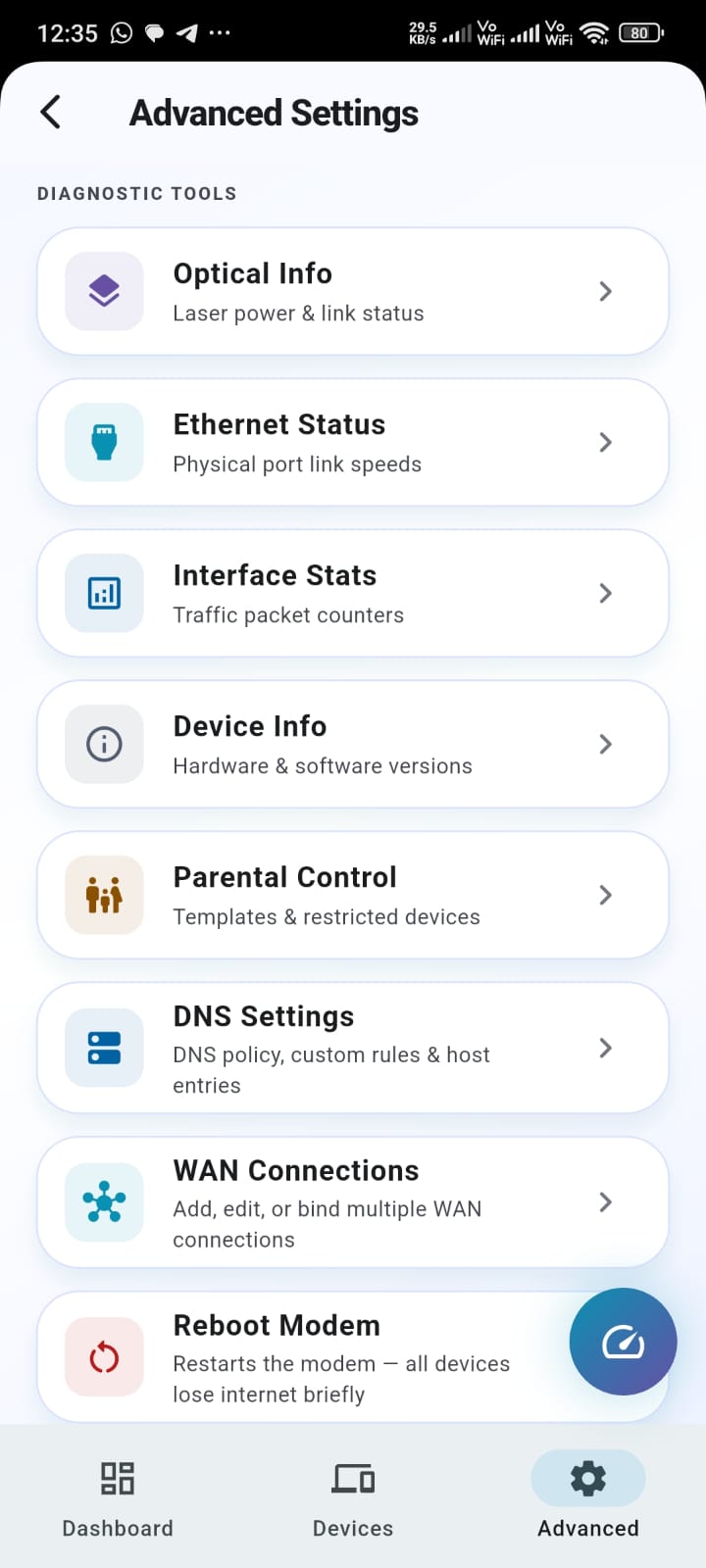
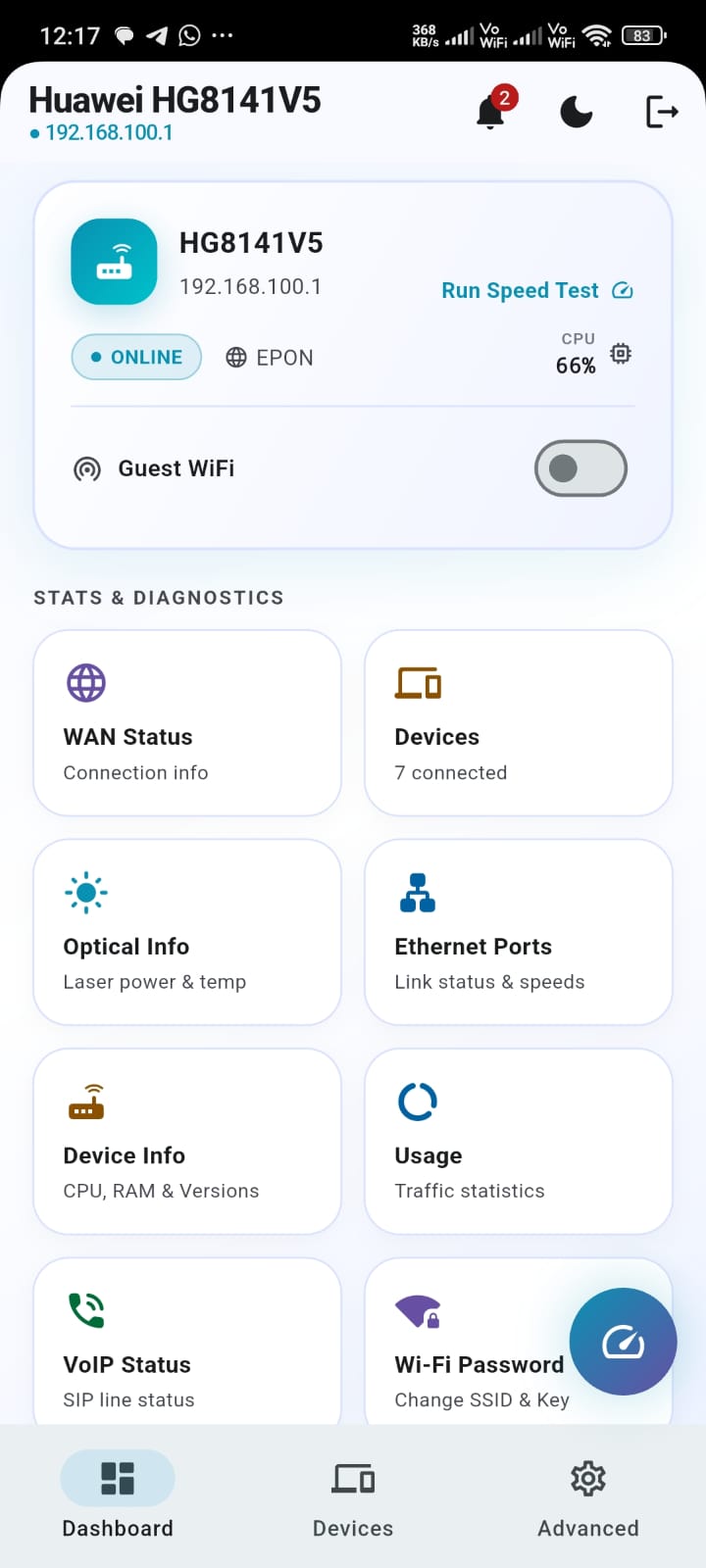
Manage your router
from your phone.

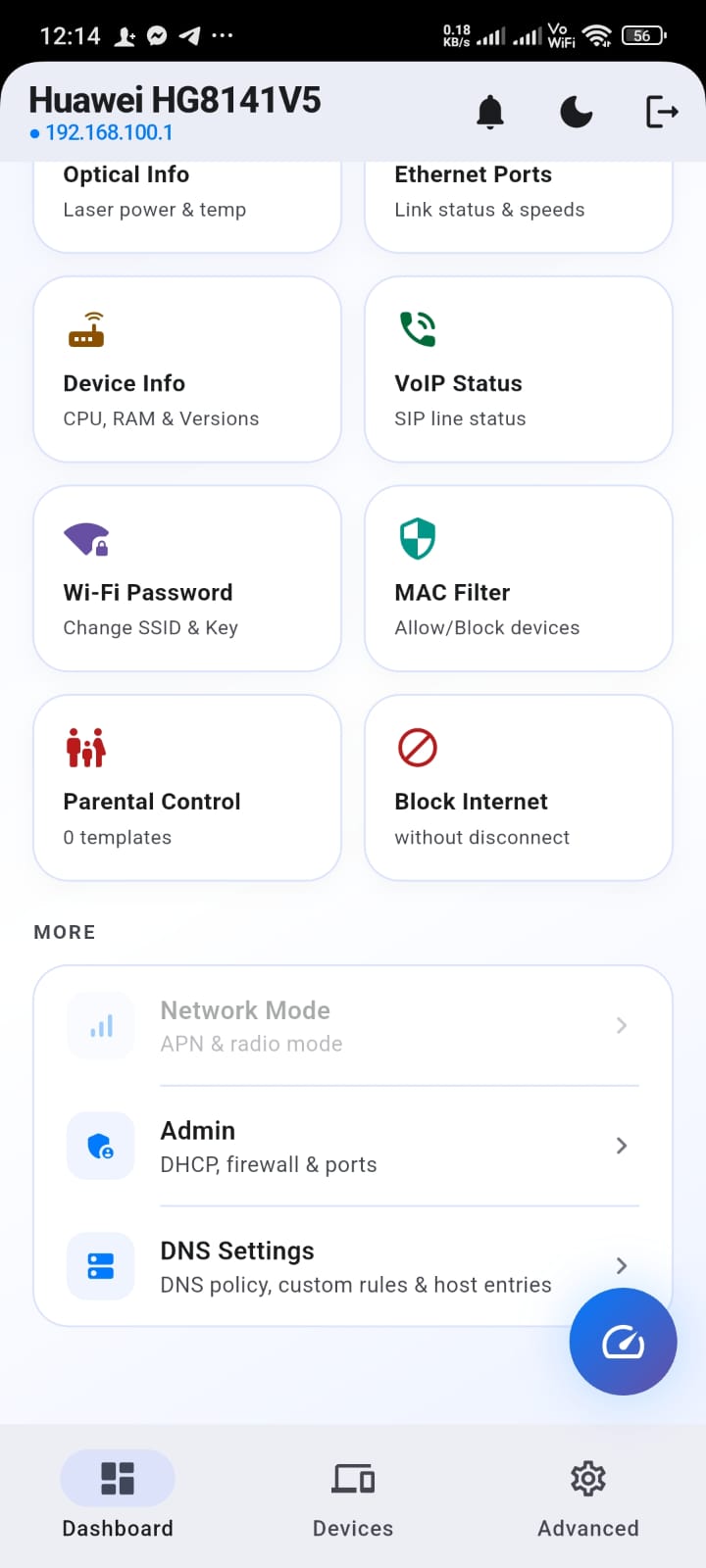
OptiLink Pro connects straight to your home or office router — change Wi-Fi settings, manage a guest network, block devices, set parental controls, check fiber ONT optical signal health, and run speed tests, all without opening a browser. Works with Huawei, ZTE, TP-Link, D-Link, Tenda and more.

GET IT ONGoogle Play COMING SOON TO THEApp Store

What it does

Everything you'd do in your router's admin page — without the browser.

OptiLink Pro talks directly to your router the same way its own built-in web interface does, just packaged into a proper mobile app — no typing an IP address into a browser, no fighting a UI designed for desktops, and no separate app per brand.
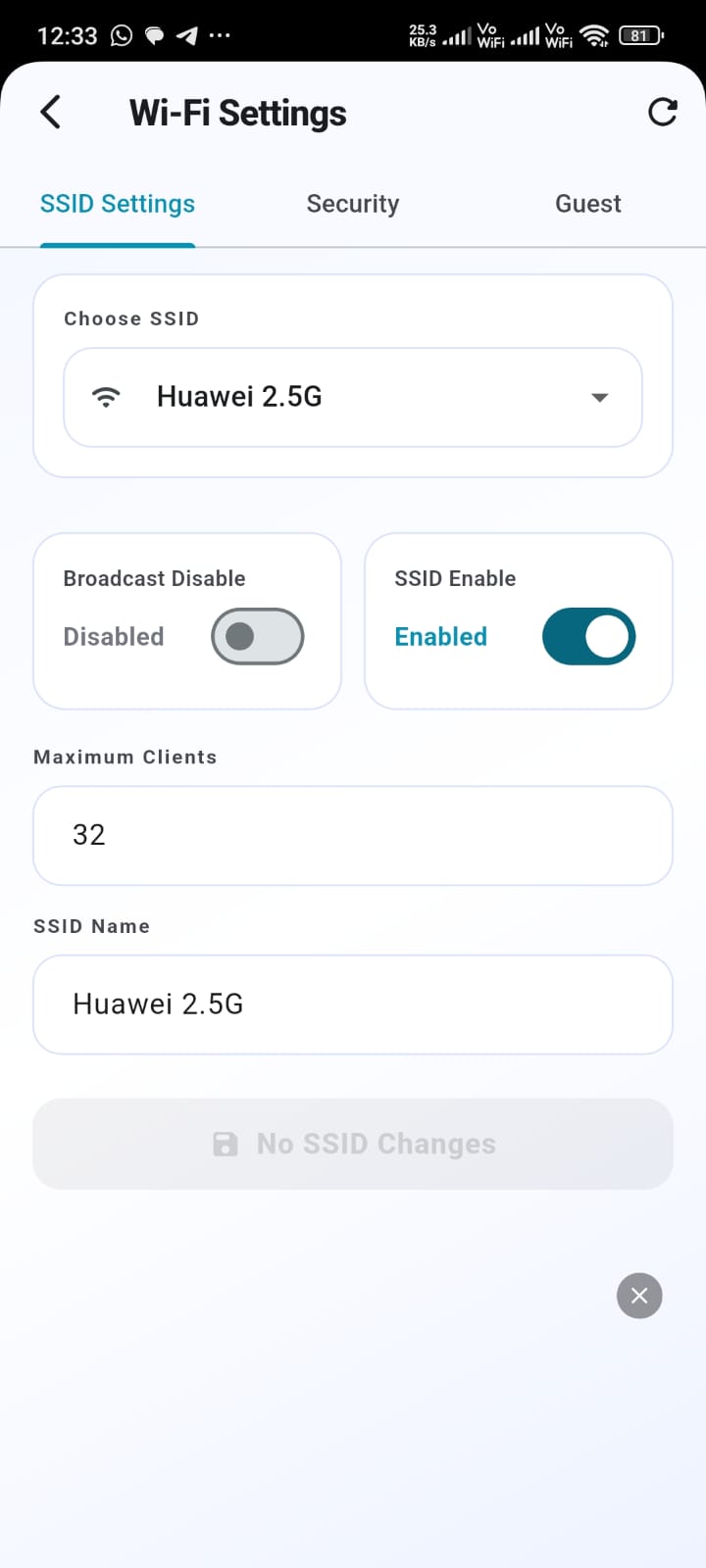
Wi-Fi Settings, From Anywhere screenshot
📶

Wi-Fi Settings, From Anywhere

Change your Wi-Fi name and password, toggle broadcast, and switch bands — without opening a browser or being on the same network.
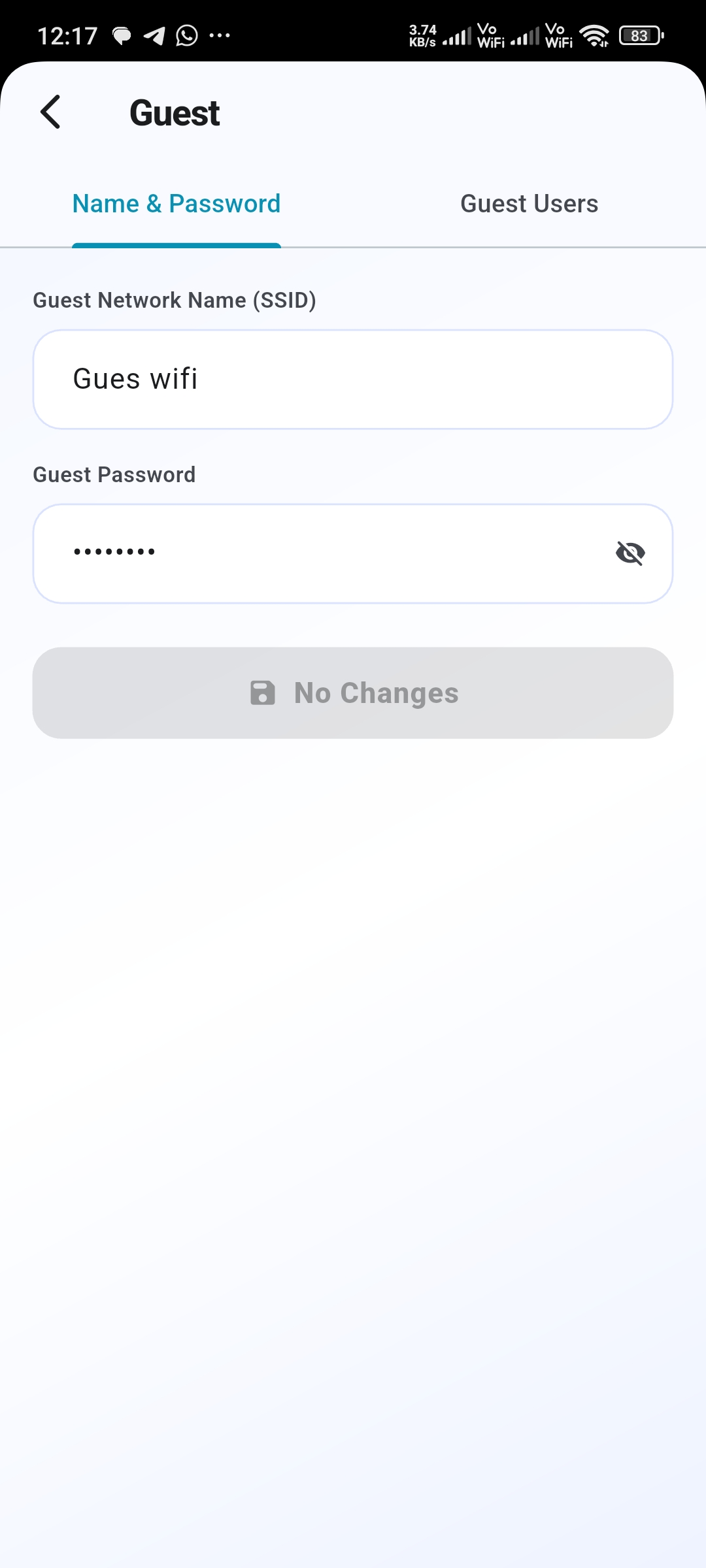
Guest Wi-Fi in One Tap screenshot
👥

Guest Wi-Fi in One Tap

Create a separate guest network, see exactly who's connected to it, and turn it on or off whenever you have visitors.
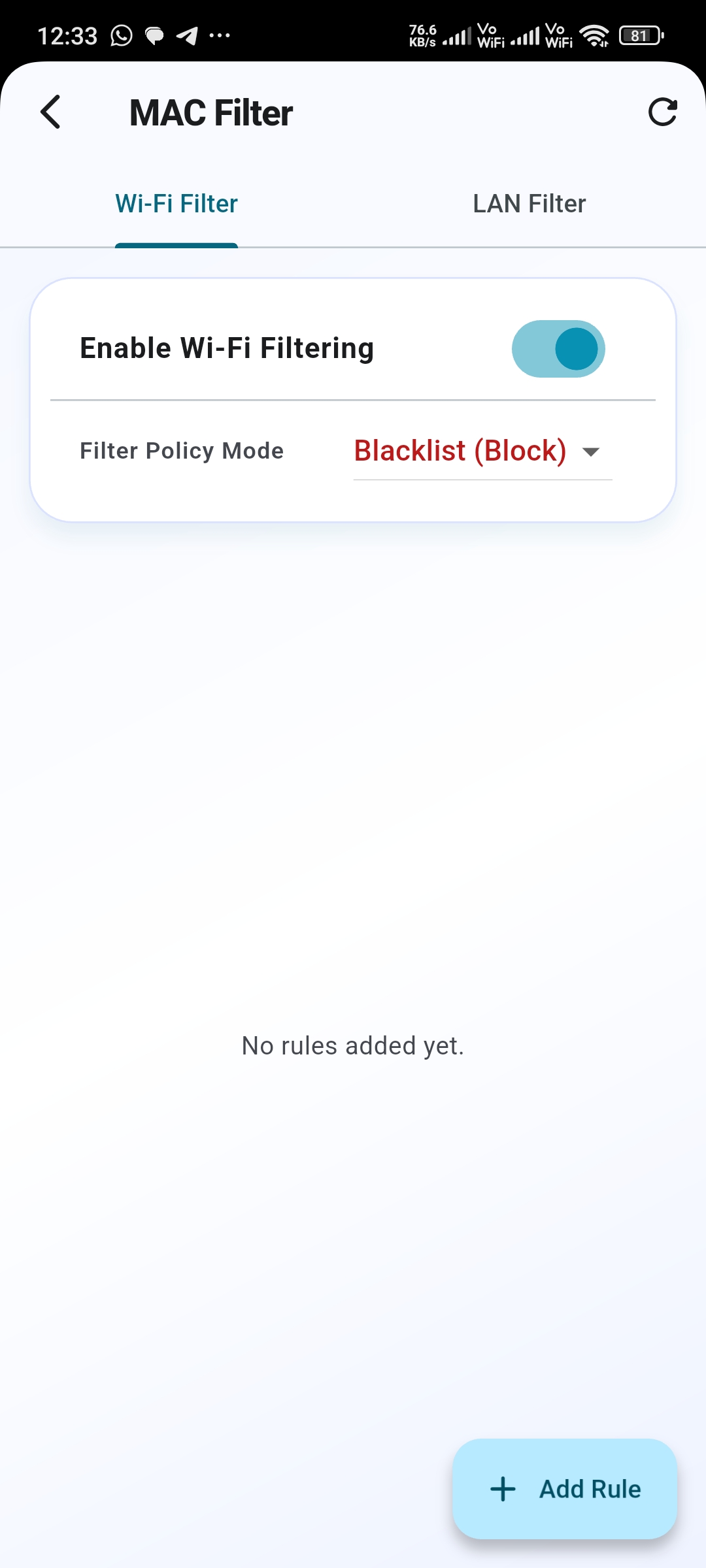
MAC Filtering & Parental Control screenshot
🚫

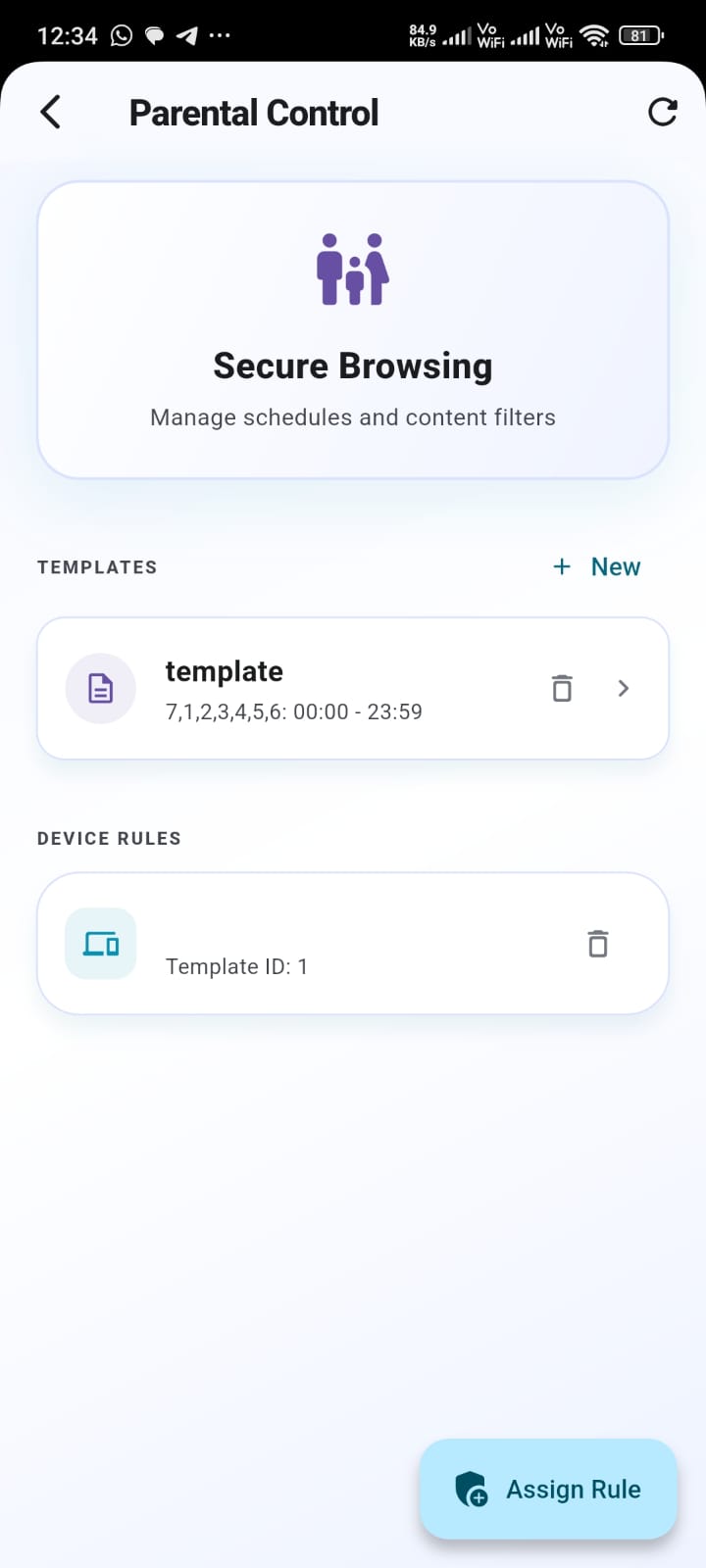
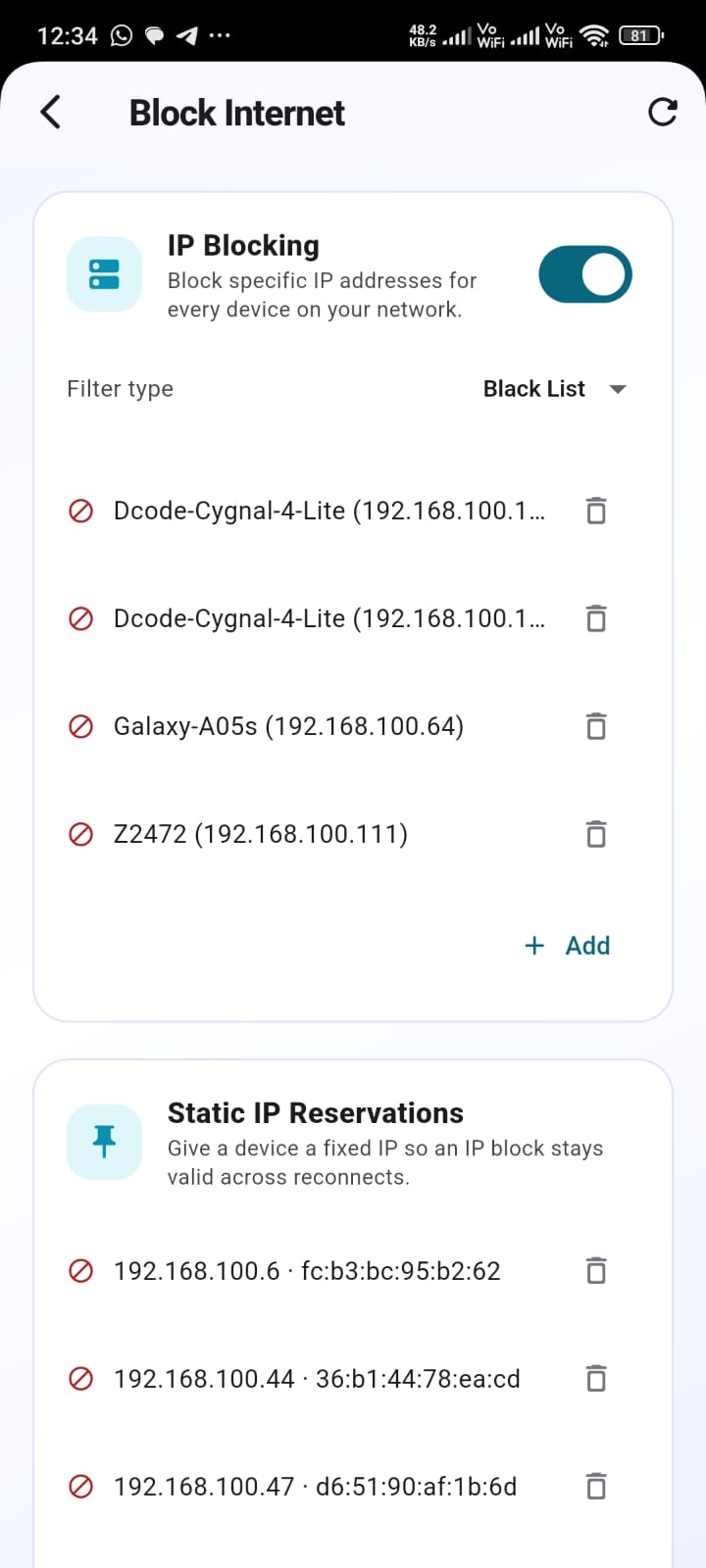
MAC Filtering & Parental Control

Block specific devices by name, schedule internet access by time of day, and manage a whitelist or blacklist per network.
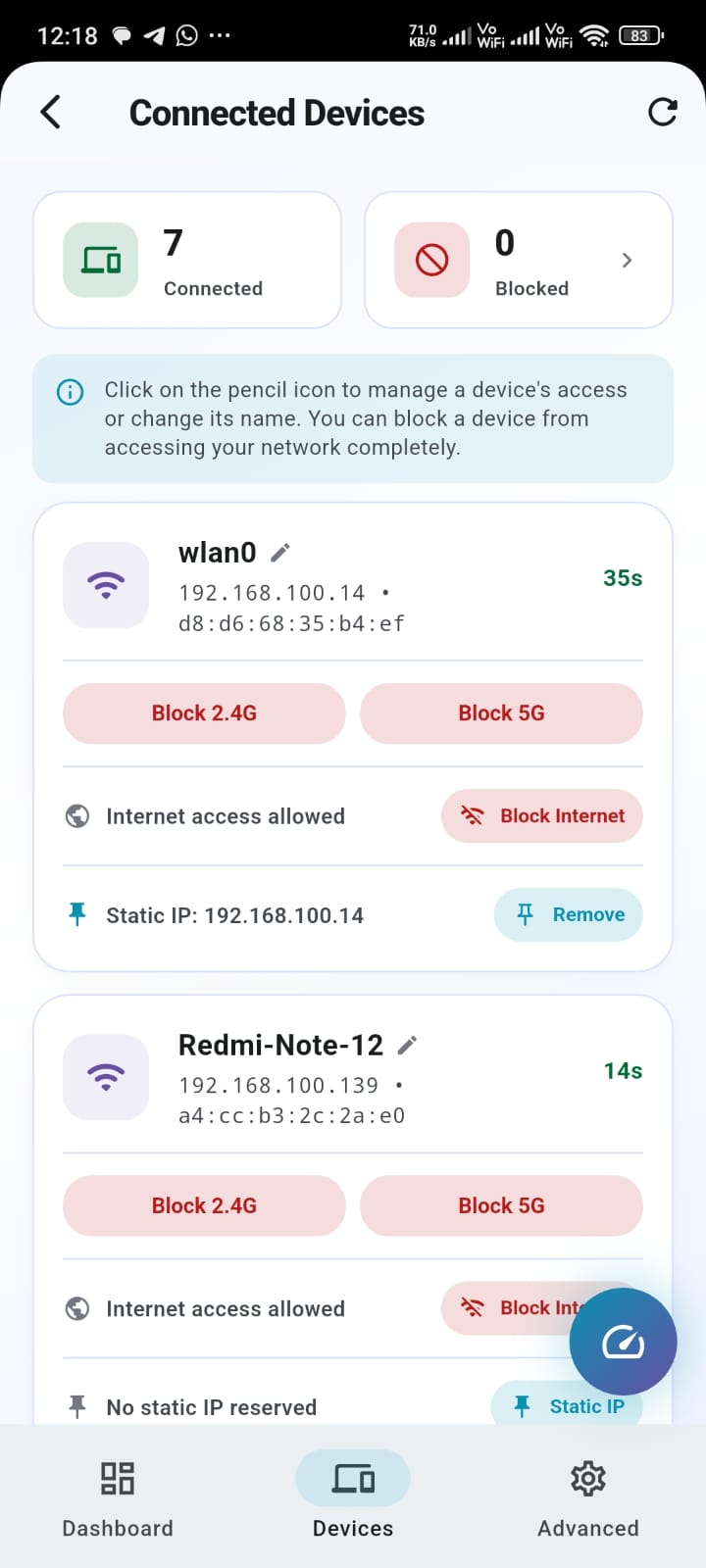
See Every Connected Device screenshot
📱

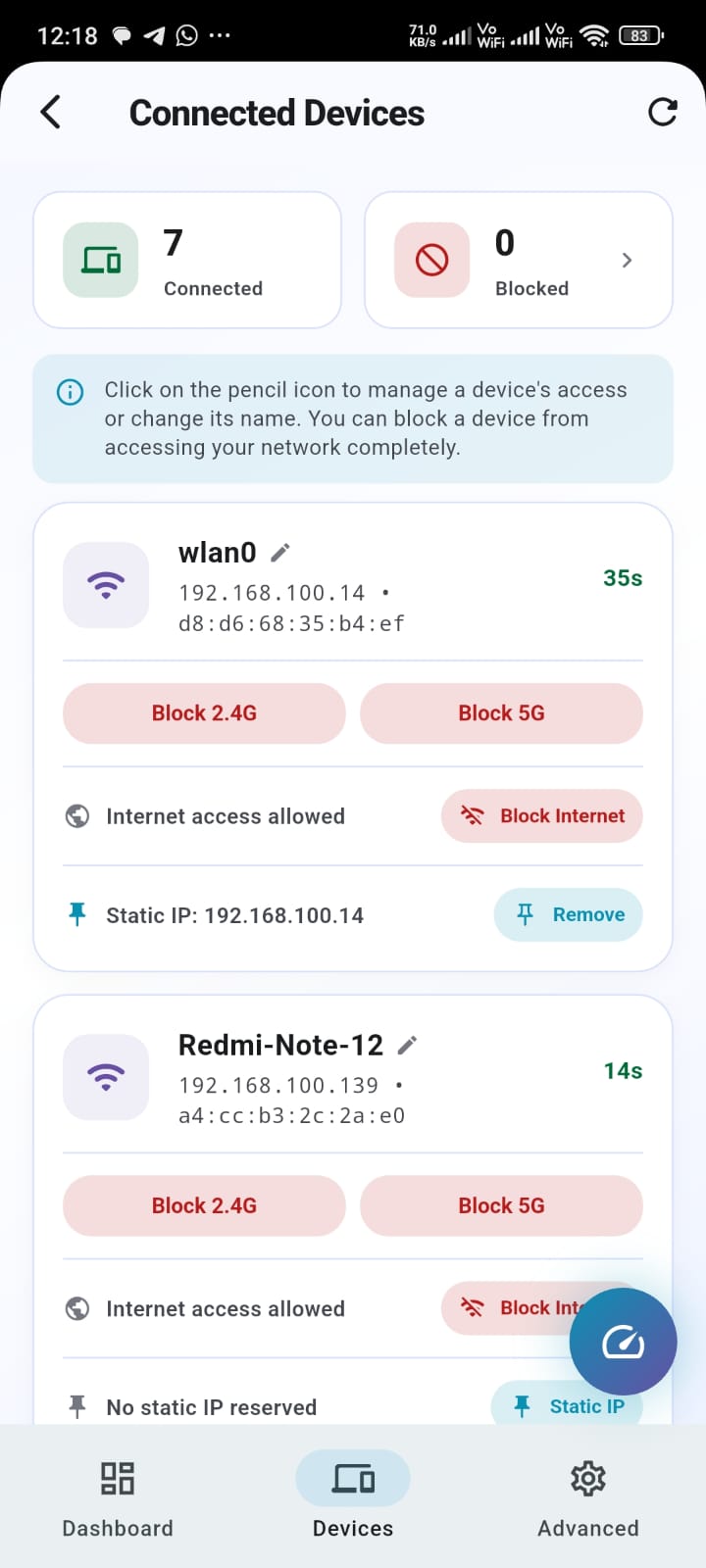
See Every Connected Device

A live list of everything on your network — hostname, IP, MAC address, signal strength, and which Wi-Fi band each device is actually using.
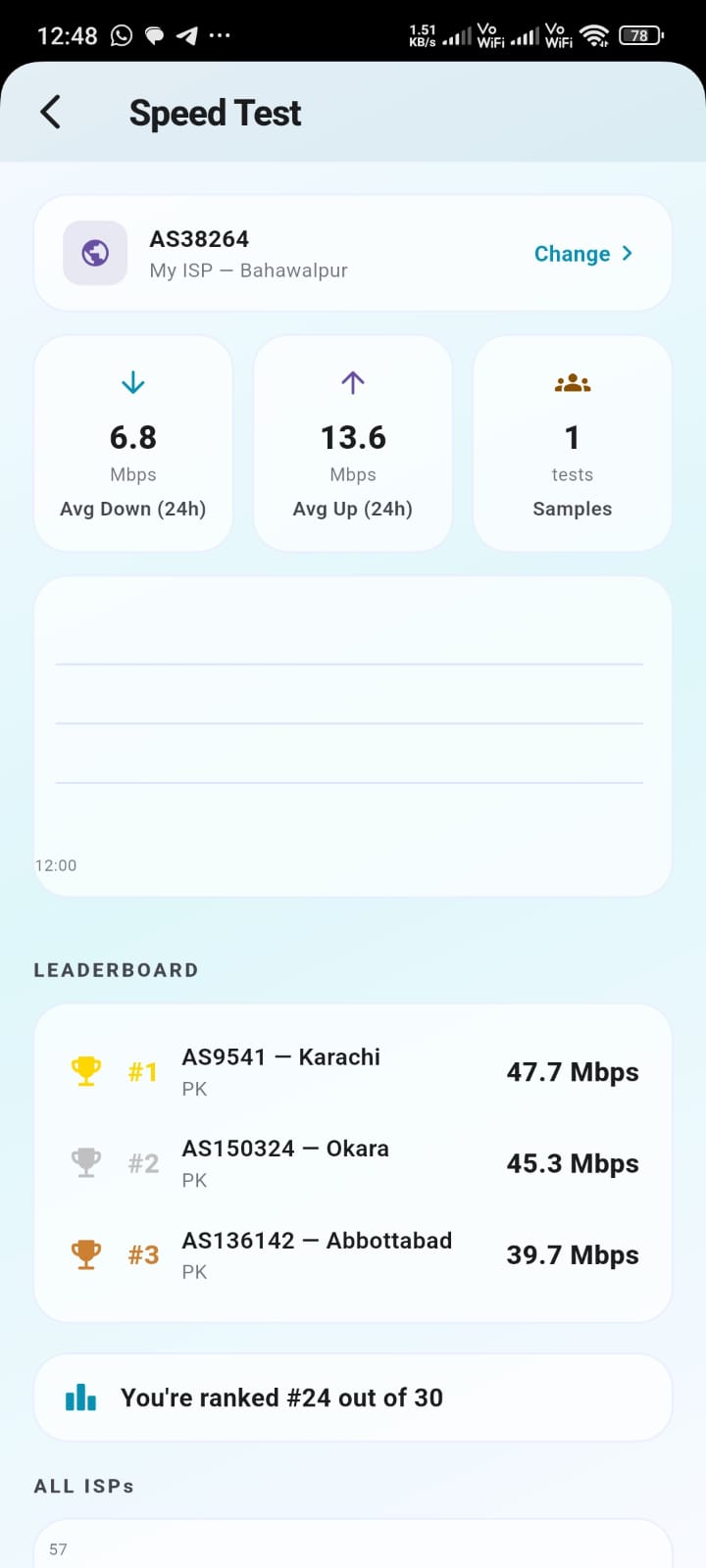
Speed Test & Global Leaderboard screenshot

Speed Test & Global Leaderboard

Run a real speed test and see how your connection compares to other users on the same ISP, worldwide.
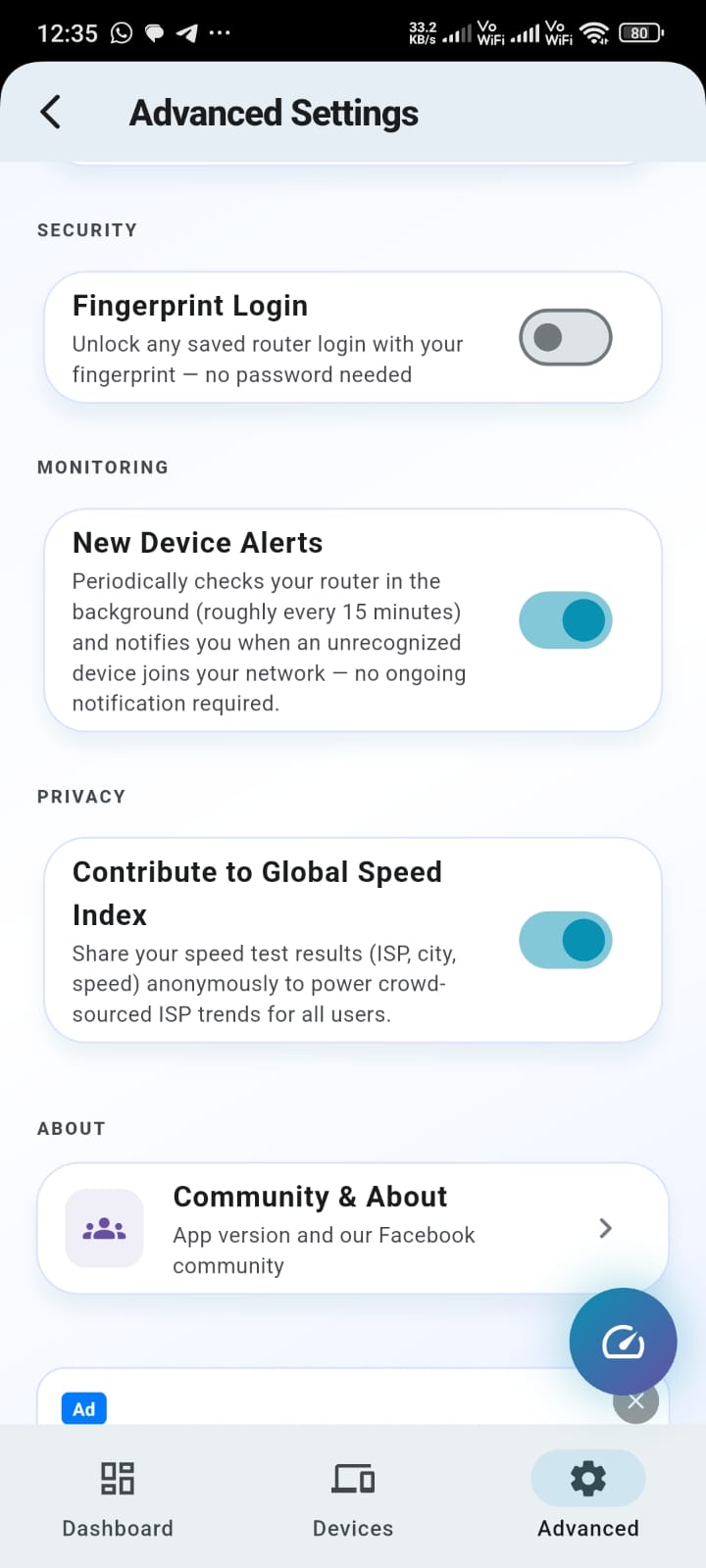
New Device Alerts screenshot
🔔

New Device Alerts

Get notified the moment an unrecognized device joins your network.
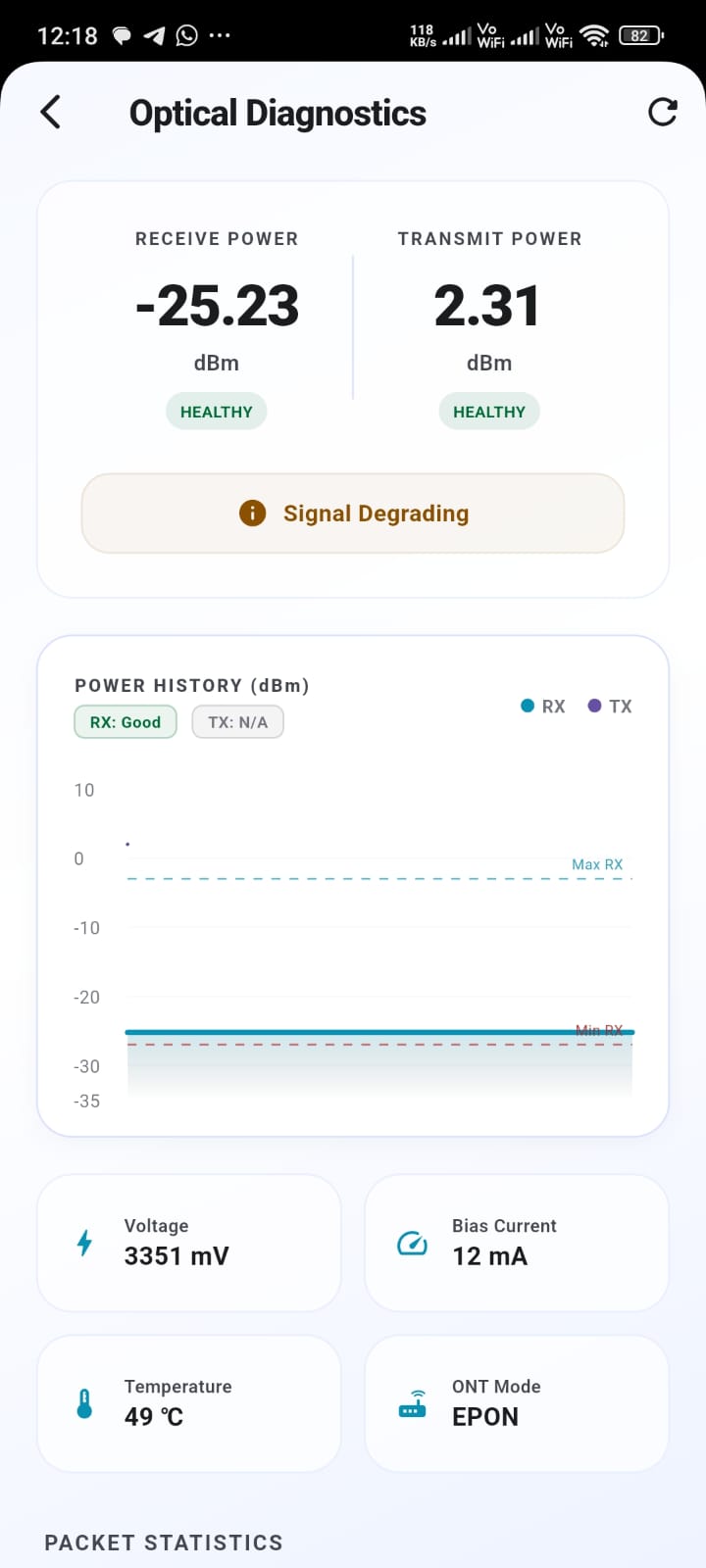
Optical Signal Diagnostics screenshot
🔬

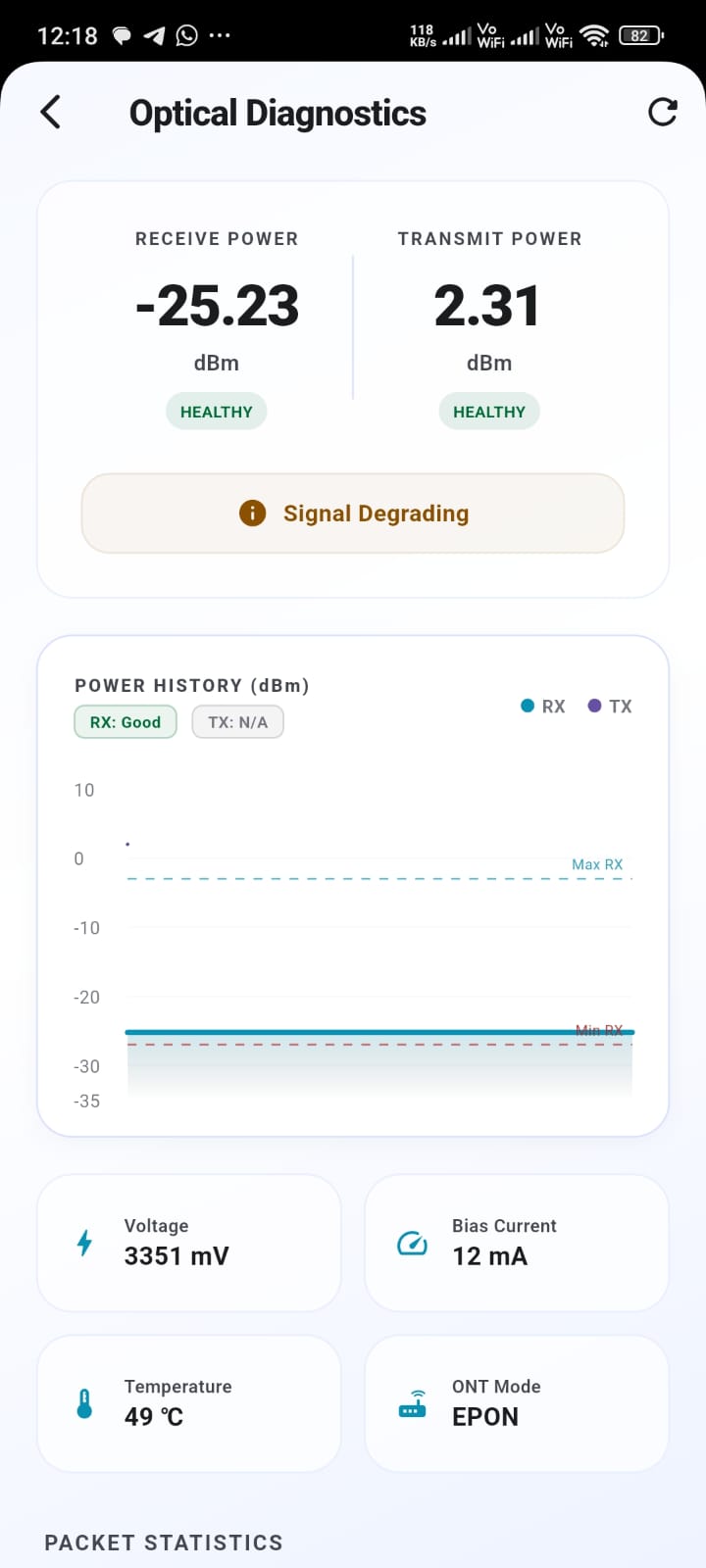
Optical Signal Diagnostics

For fiber ONT users — see live RX/TX laser power, temperature and bias current, with a health status so you know if your signal is degrading before it drops.
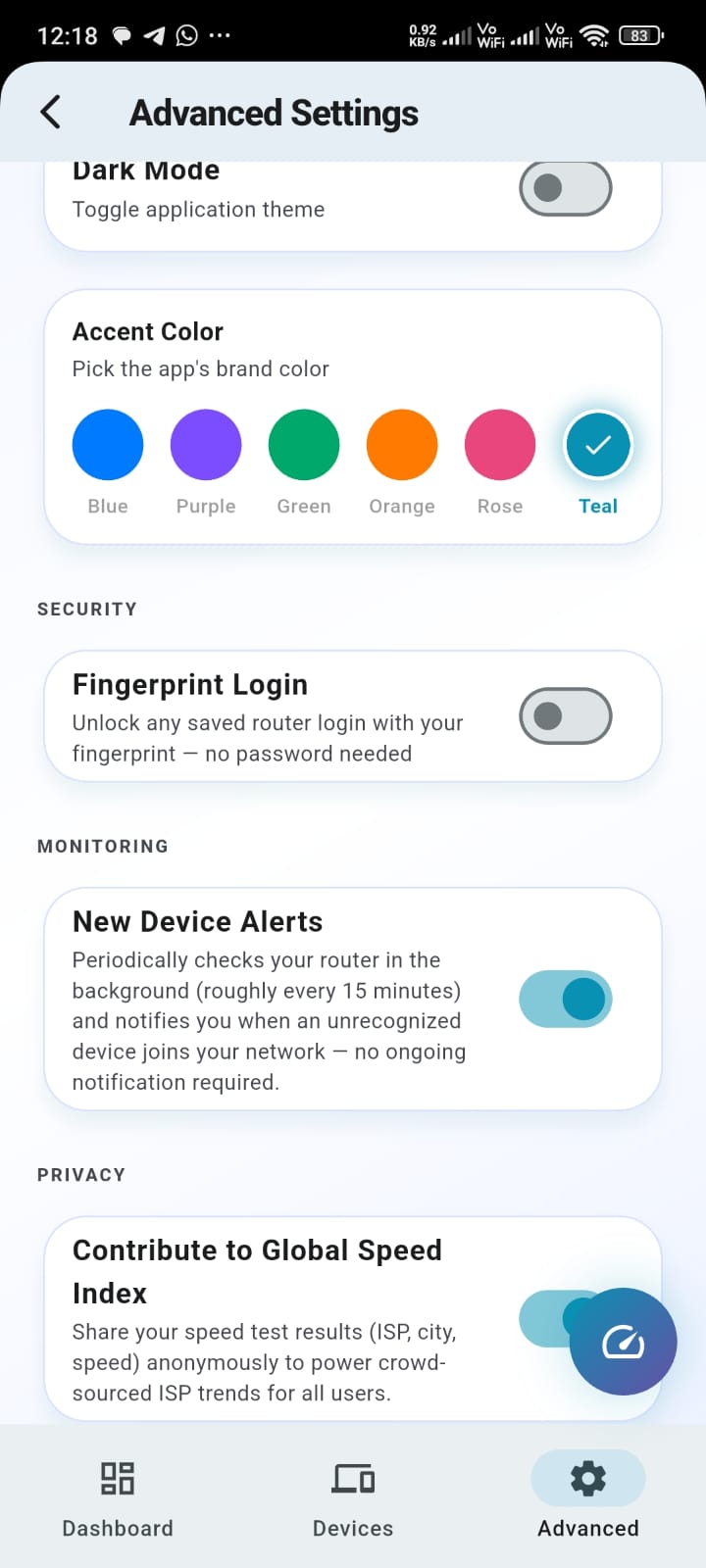
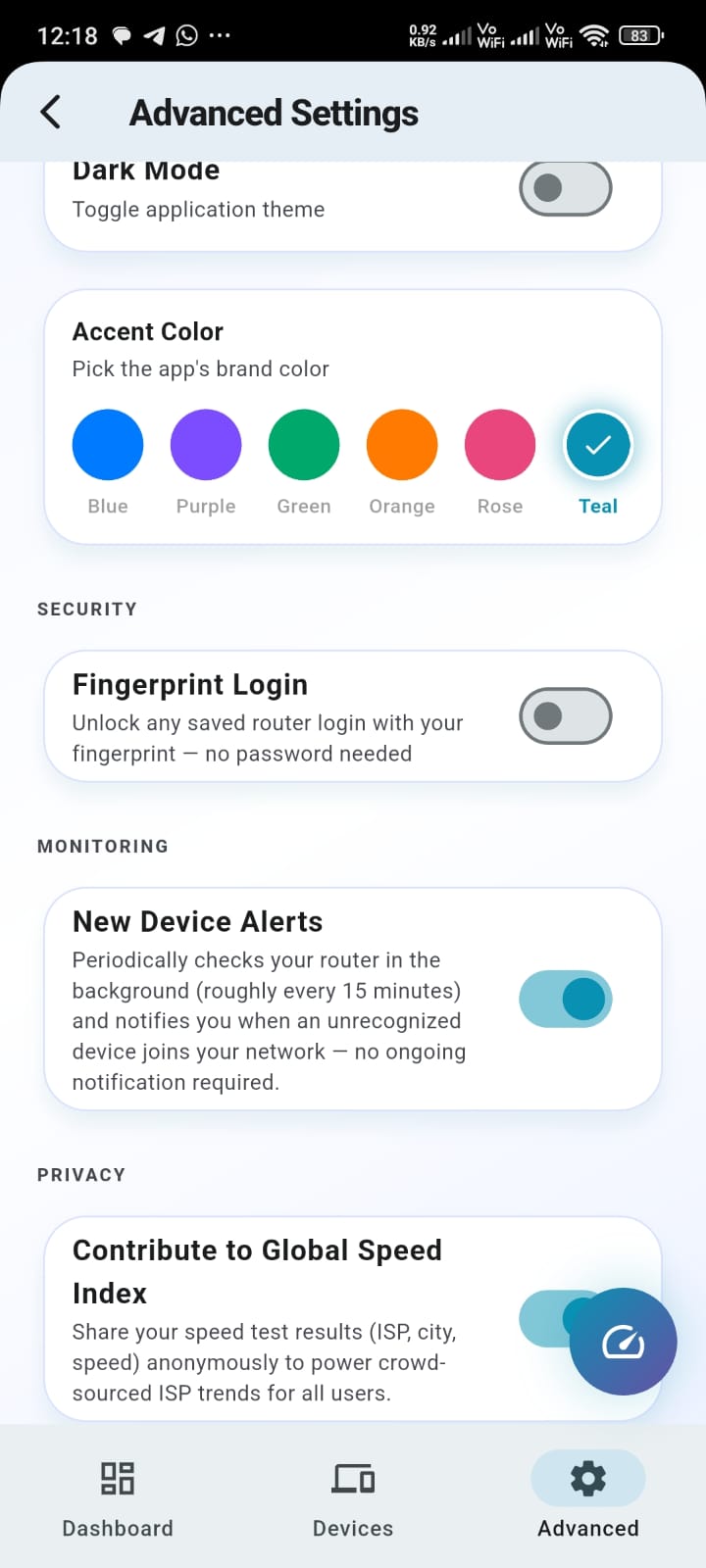
Customize Your Dashboard screenshot
🎨

Customize Your Dashboard

Rearrange or hide widgets, pick your own accent color, and switch between light and dark mode.
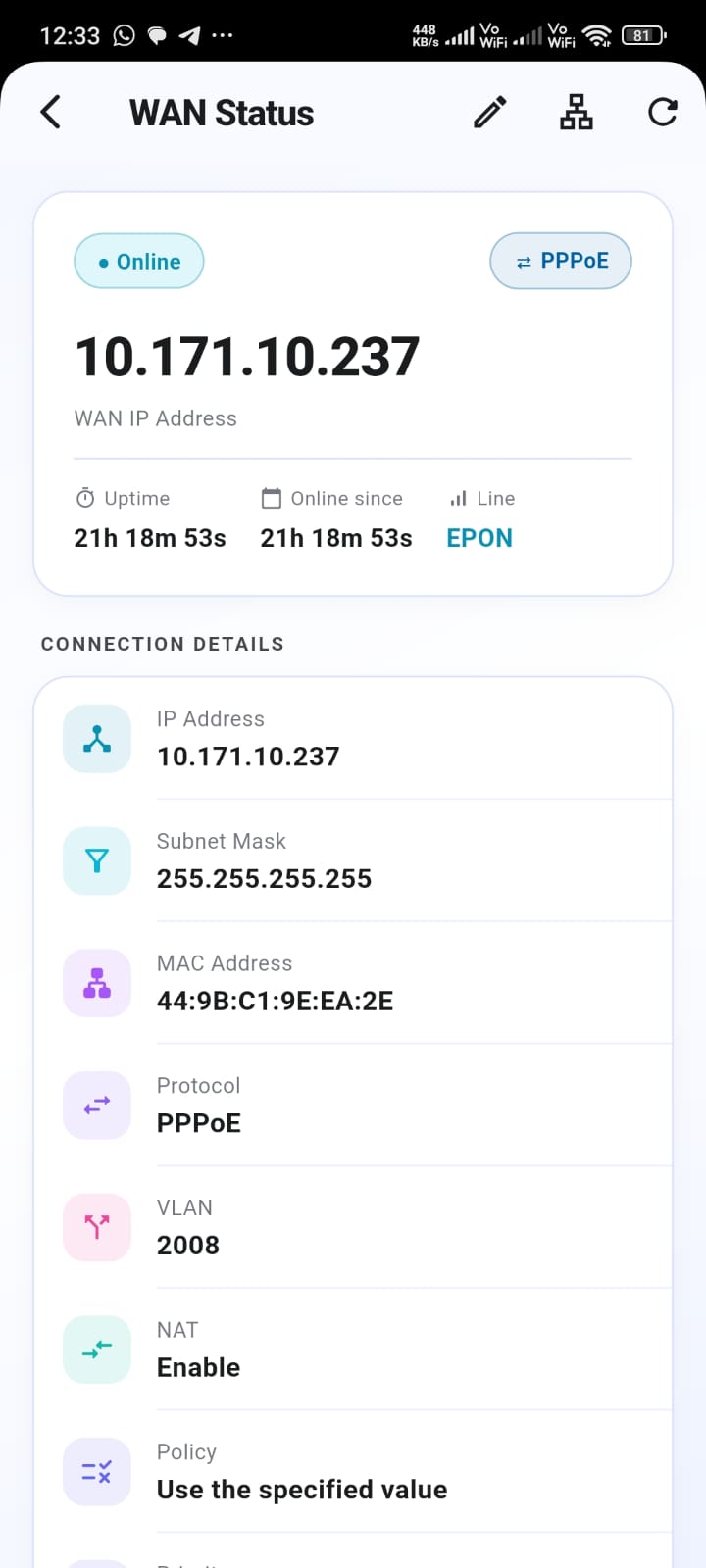
Live WAN & Connection Details screenshot
🌐

Live WAN & Connection Details

IP address, uptime, protocol, VLAN and NAT status at a glance — the same detail your ISP's support line would ask you to read out.
Getting started

Three steps, no manuals required

Most router admin pages assume you already know your model's quirks. OptiLink Pro figures that part out for you.

1

Auto-detect your router

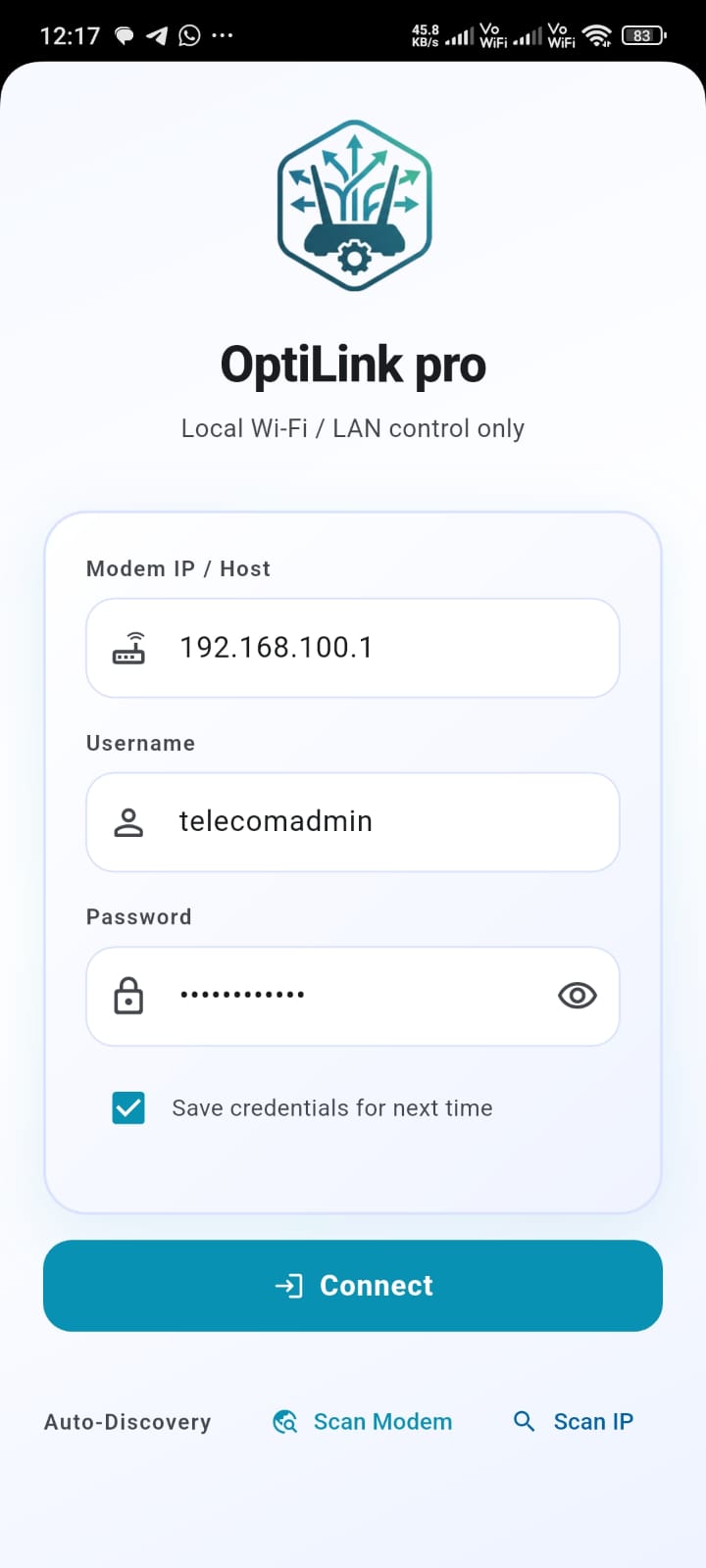
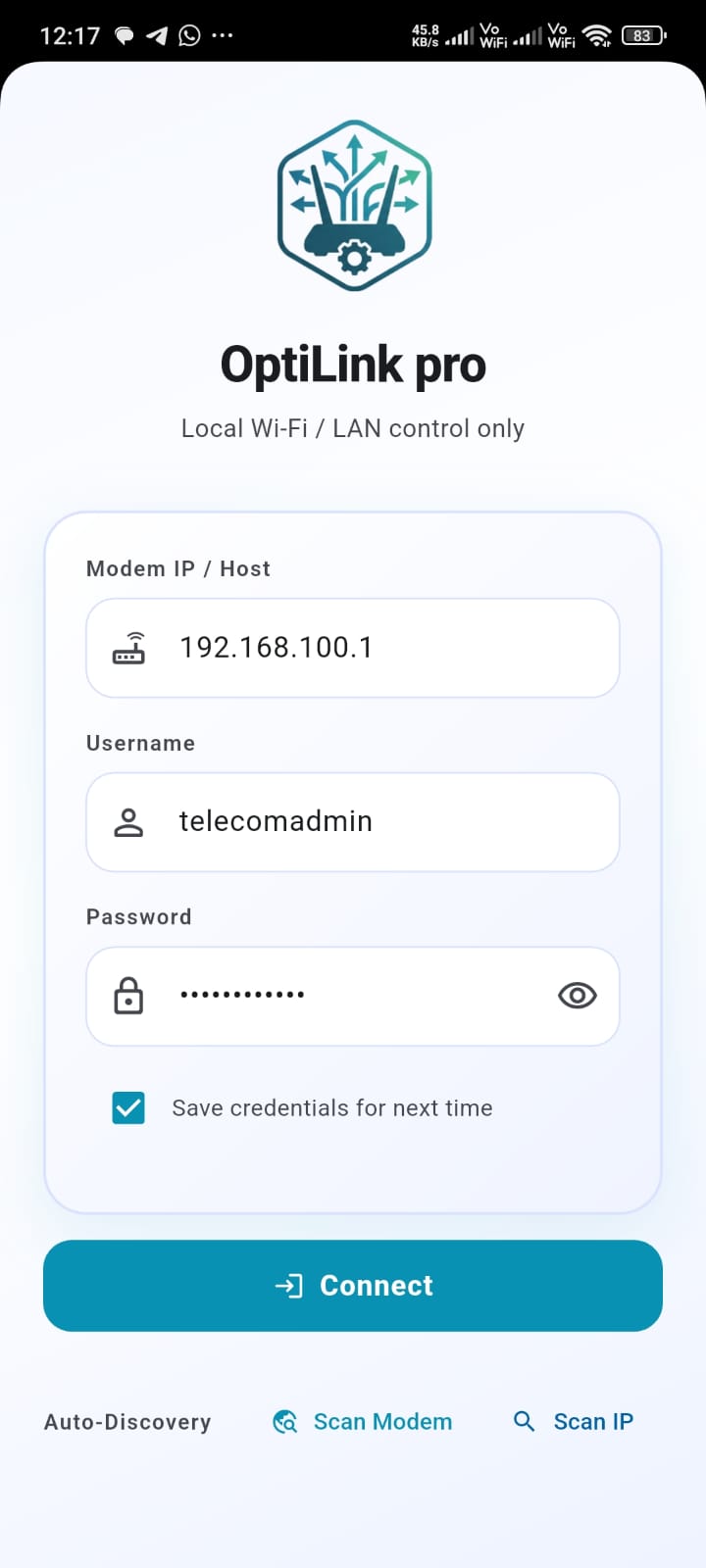
Scan your network or enter its IP manually — OptiLink Pro identifies the exact model and adapts its interface to match.

2

Log in once

Enter the same admin username and password printed on your router's label or set up when your ISP installed it.

3

Manage everything from your phone

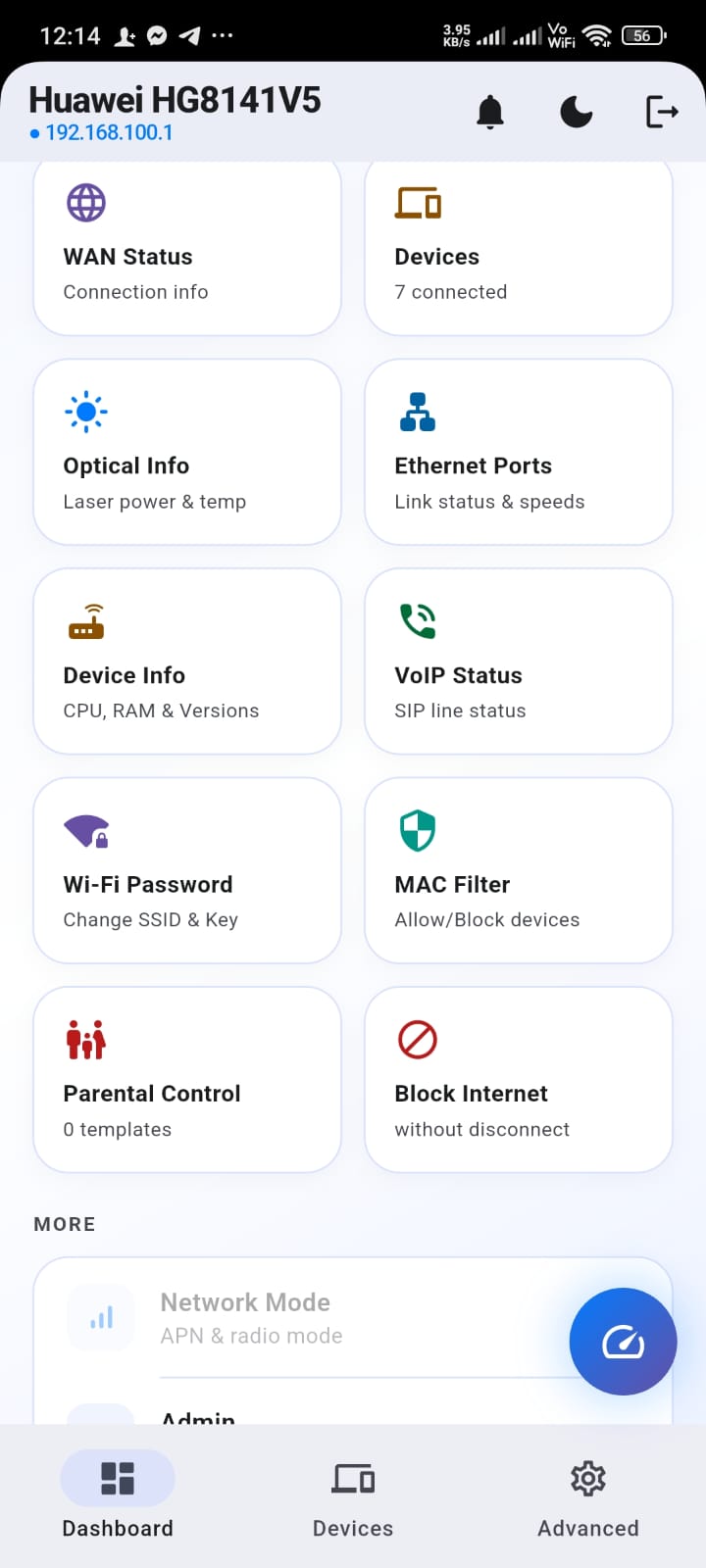
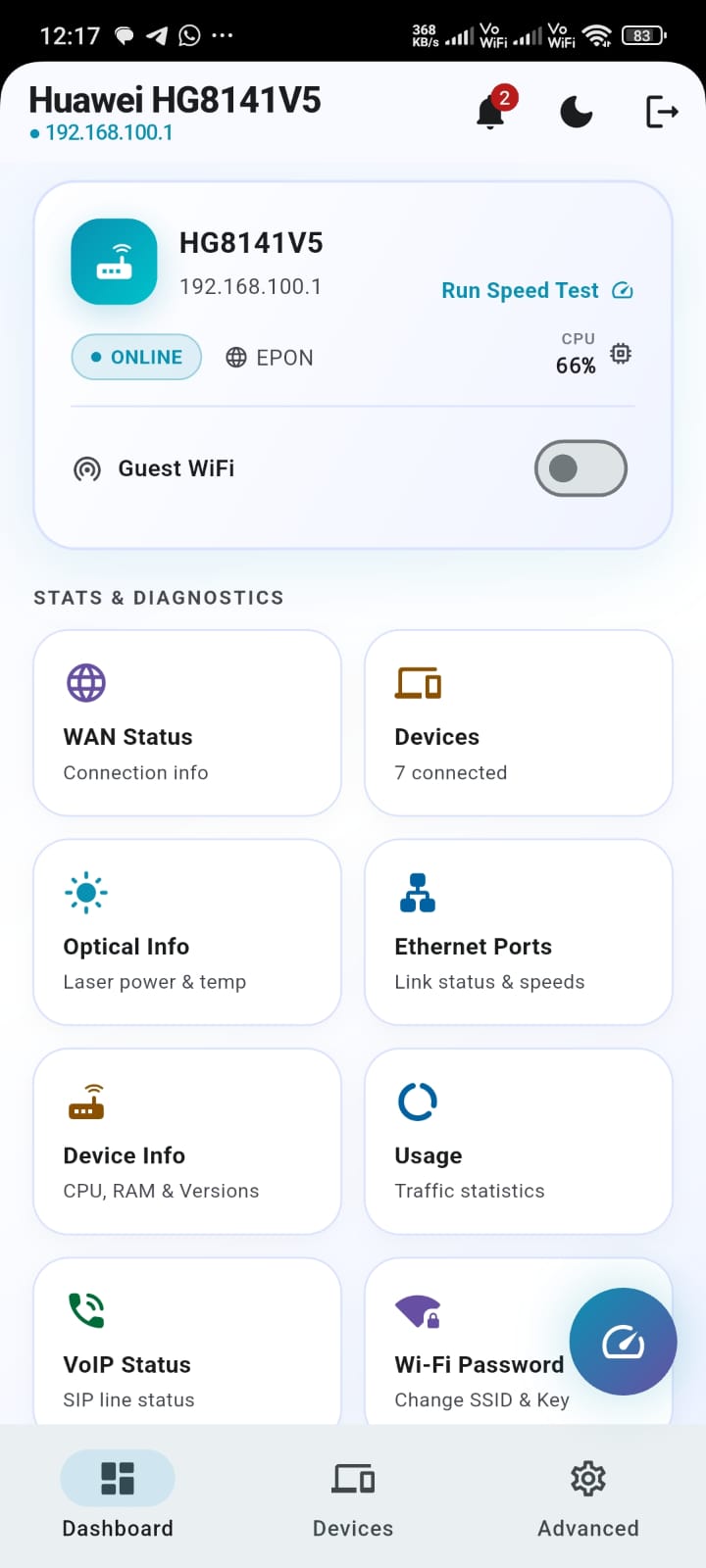
Wi-Fi, guest network, connected devices, MAC filtering, parental controls, diagnostics and speed tests — no browser required.

Compatibility

Supported routers & ONTs

One app, many brands — OptiLink Pro auto-detects your router on the network and adapts its interface to what that specific model actually supports, whether it's a fiber GPON/EPON ONT from your ISP or a standalone Wi-Fi router.

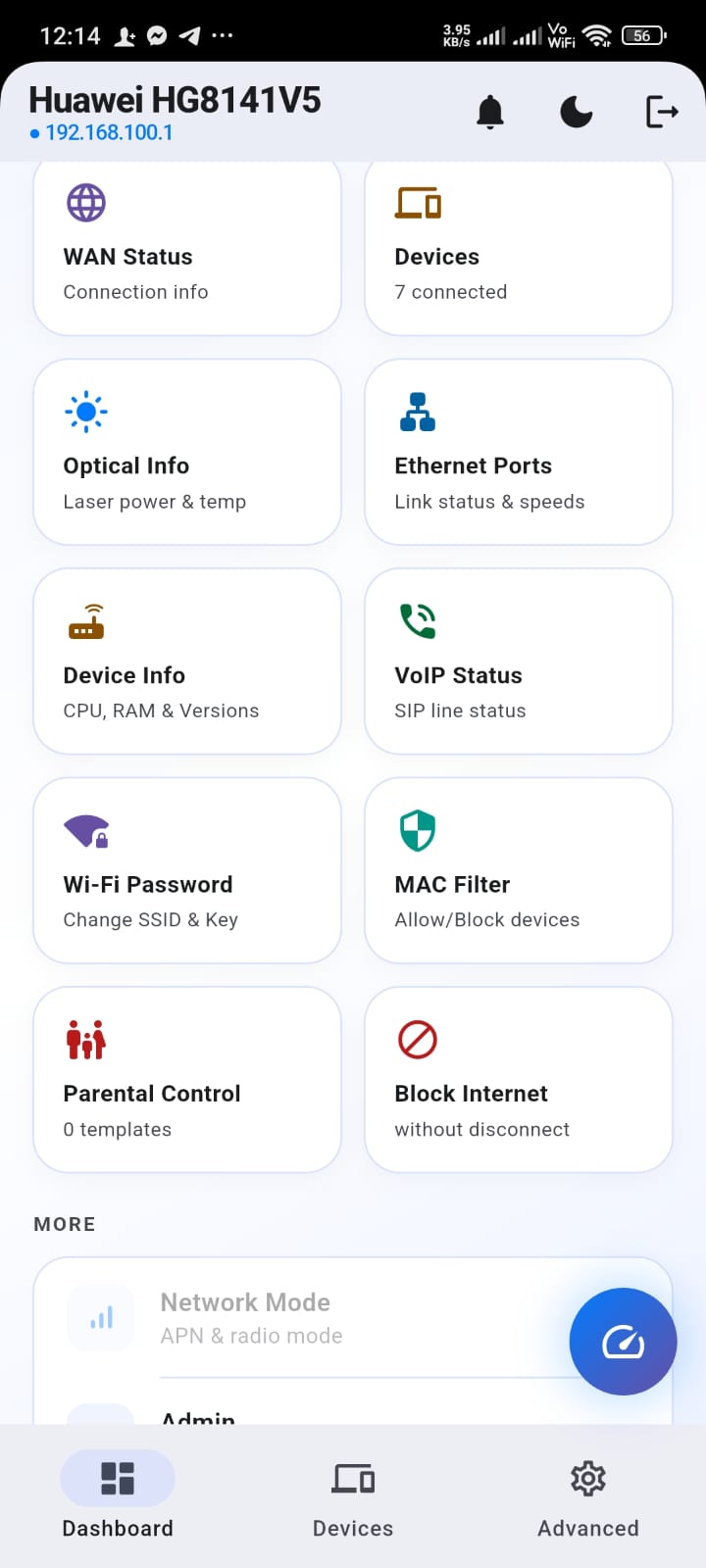
Huawei ONT HG8145C, HG8141V5 and other Huawei GPON/EPON ONT models
ZTE F1611A, F477V2, F670
Tenda Wireless routers and the HG3 ONT series
TP-Link TL-WR841N
D-Link DIR-850L
GMS220 GPON ONT
PT939G / GS2107 / GS3101 GPON ONT family
Symco H1s-3
CM112Z GPON ONT

Questions

Frequently asked questions

Which routers and ONTs does OptiLink Pro support?

Huawei GPON/EPON ONTs (HG8145C, HG8141V5 and similar models), ZTE (F1611A, F477V2, F670), Tenda routers and the HG3 ONT series, TP-Link TL-WR841N, D-Link DIR-850L, GMS220, the PT939G/GS2107/GS3101 family, Symco H1s-3 and CM112Z. The app auto-detects your specific model and only shows the features it actually supports.

Do I need to be connected to my home Wi-Fi to use it?

Yes — OptiLink Pro talks directly to your router over your local network, the same way a browser would if you typed in its IP address. It doesn't route anything through a third-party server.

Is OptiLink Pro free?

Yes, it's free to download and use on both Android and iOS.

Does it work with fiber (GPON/EPON) connections?

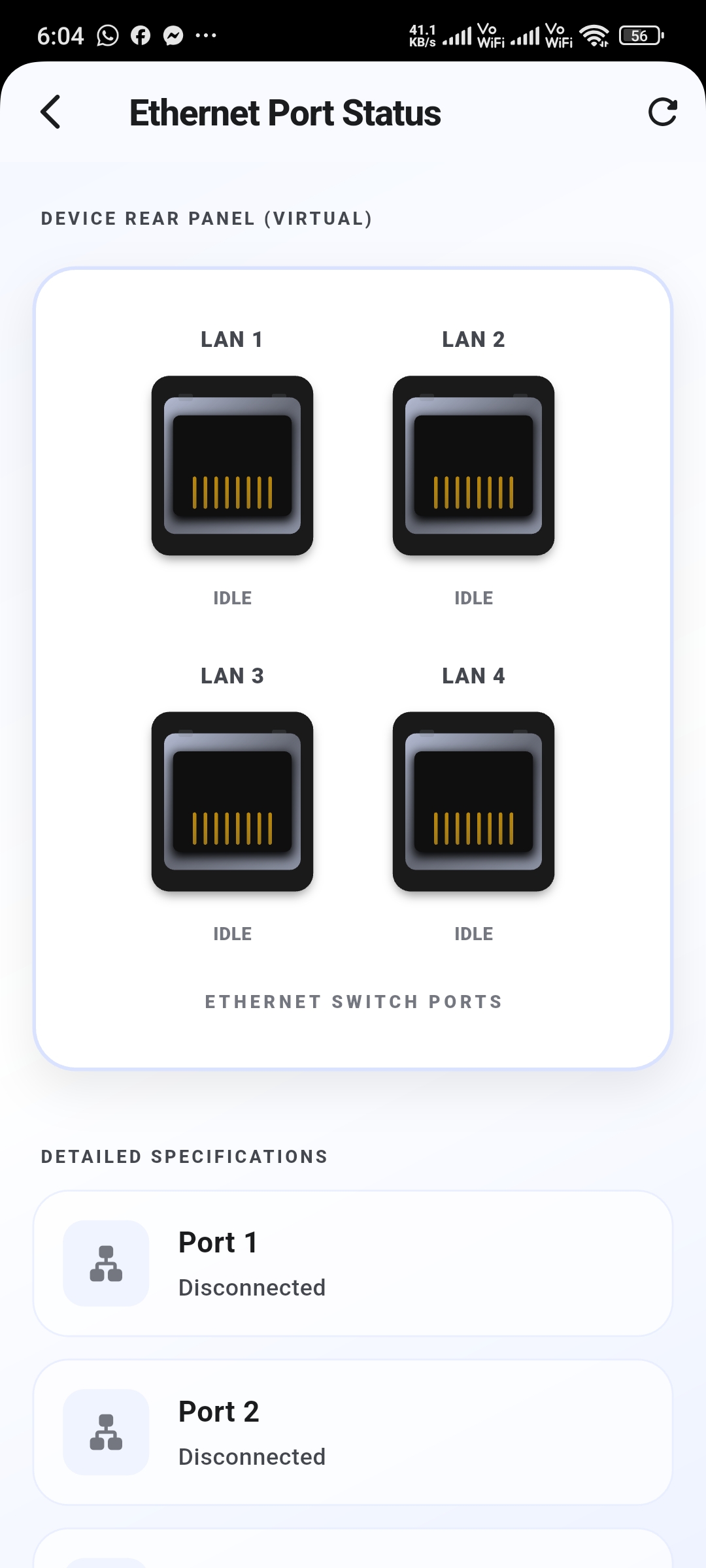
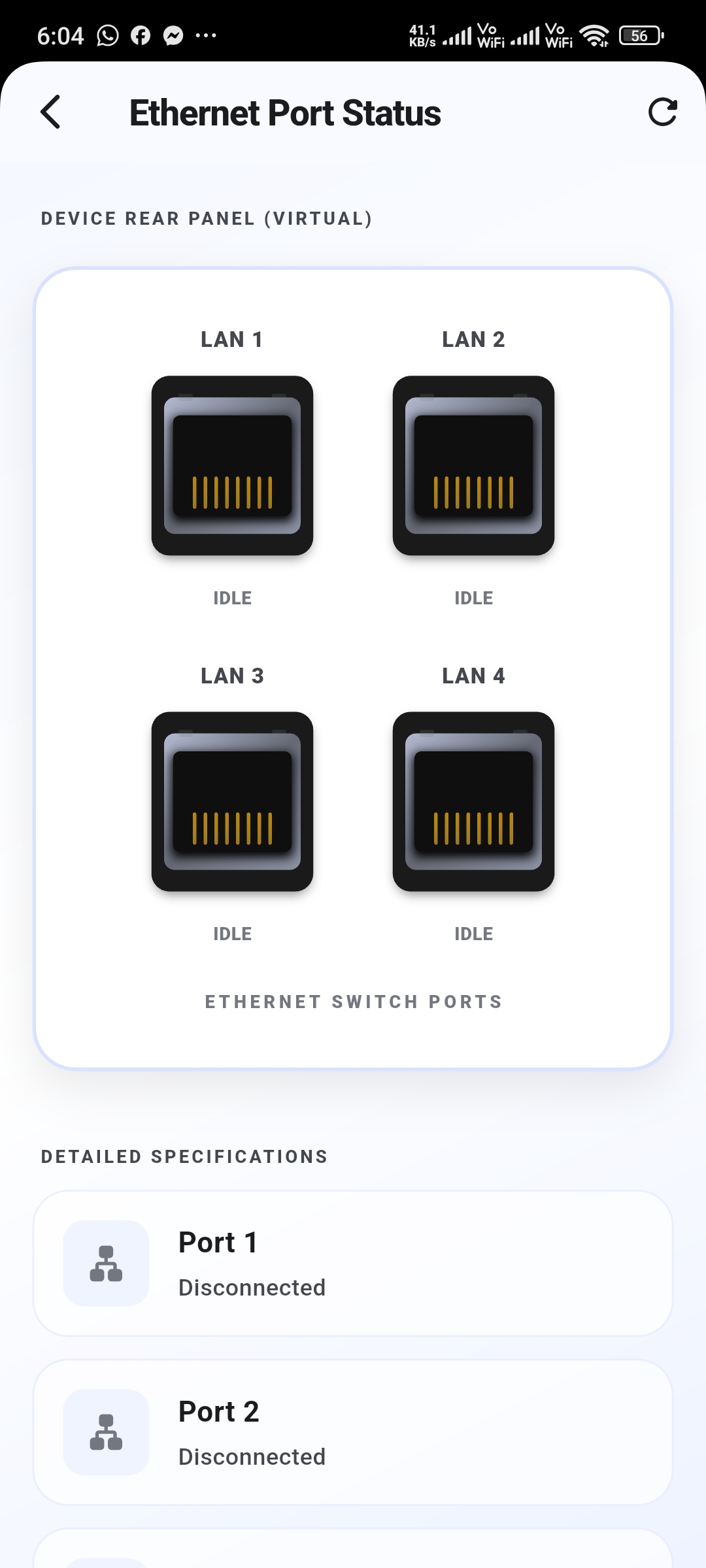
Yes — the Optical Signal Diagnostics screen reads live RX/TX laser power, temperature and bias current directly from your ONT, something most router apps don't expose at all.

Can I block a specific device from using the internet?

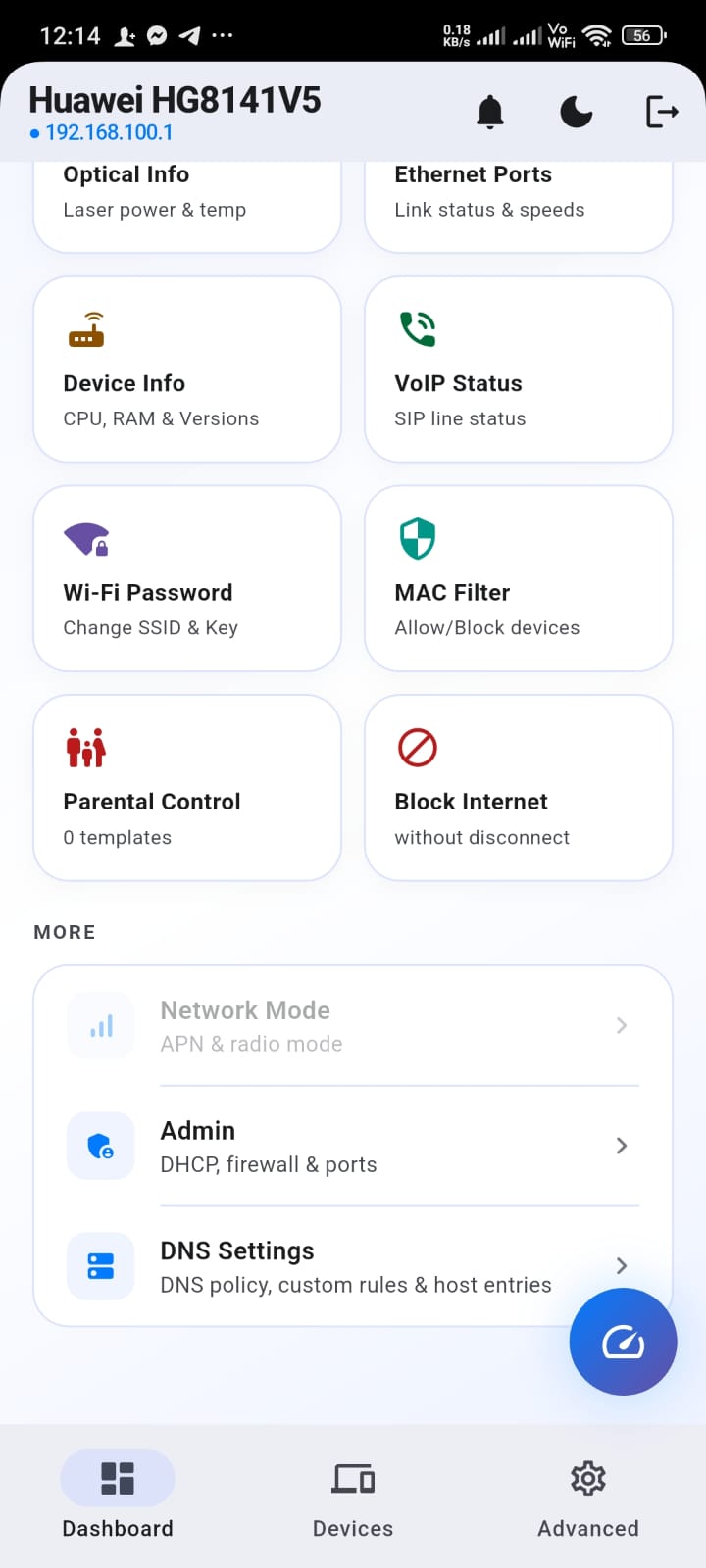
Yes, from the Devices screen or the MAC Filter / IP Blocking screens under Advanced Settings — either per-device or with a scheduled parental control rule.

Is my router login sent to any server?

No — your credentials are used only to log into your own router over your local network. If you choose to save them for next time, they stay stored on your device.

Ready to stop fighting your router's admin page?

Free to download. No account required to get started.